


 Start Free
 Setup in minutes
 No code
 No credit card










Website
Replied in seconds
Stop losing customers to slow replies. Your AI agent answers, captures leads, and sells — 24/7, everywhere they reach you.









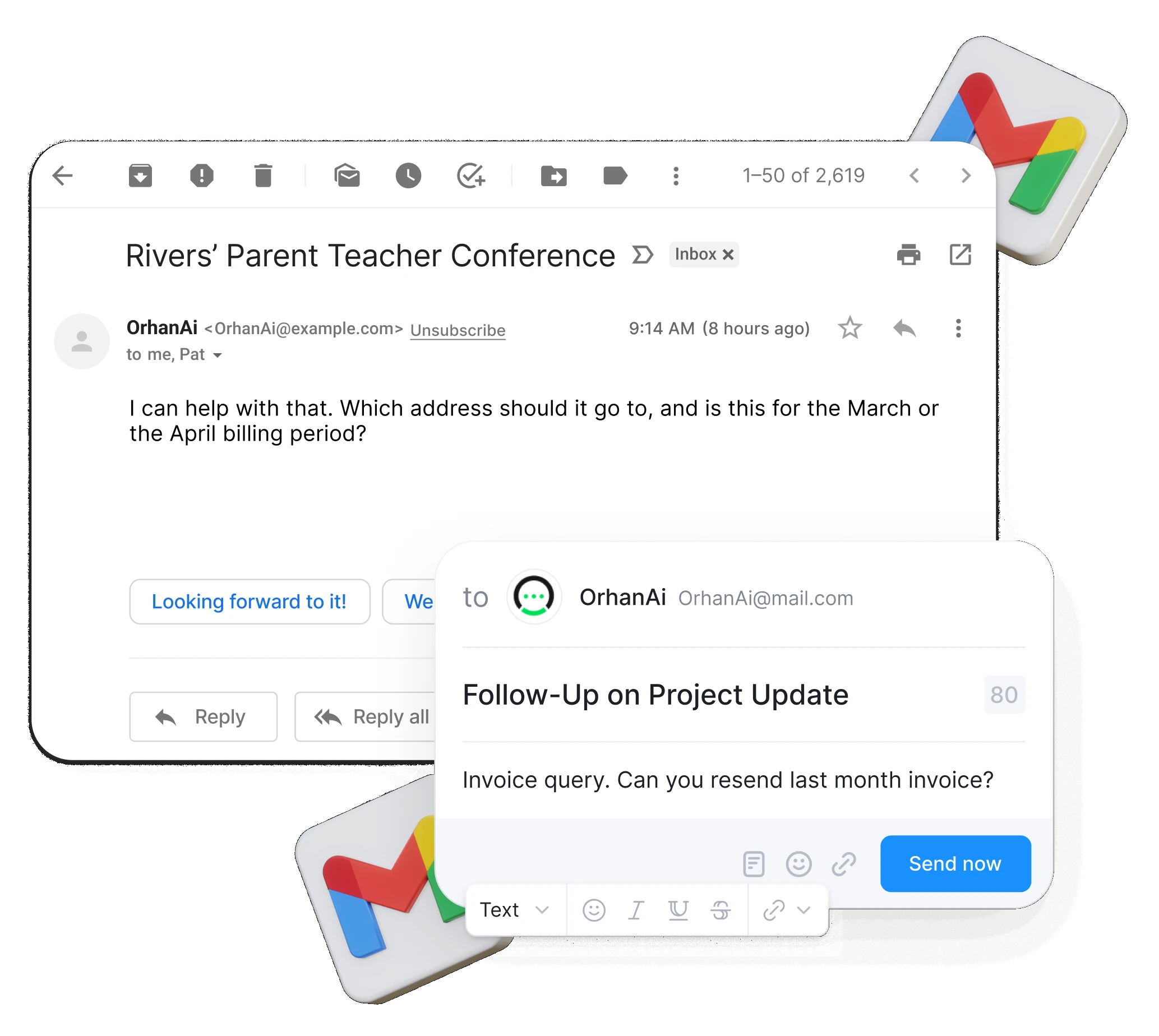
Before buying or booking, customers ask direct questions: is it in stock, what's the price, are you available, do you serve their area. If nobody answers fast, they don't wait. They move on, or leave a low-quality inquiry your team won't see until it's too late.
Every unanswered question — on your website or your social accounts — is a customer who leaves. OrhanAI fixes that, trained on your business and live everywhere in minutes.
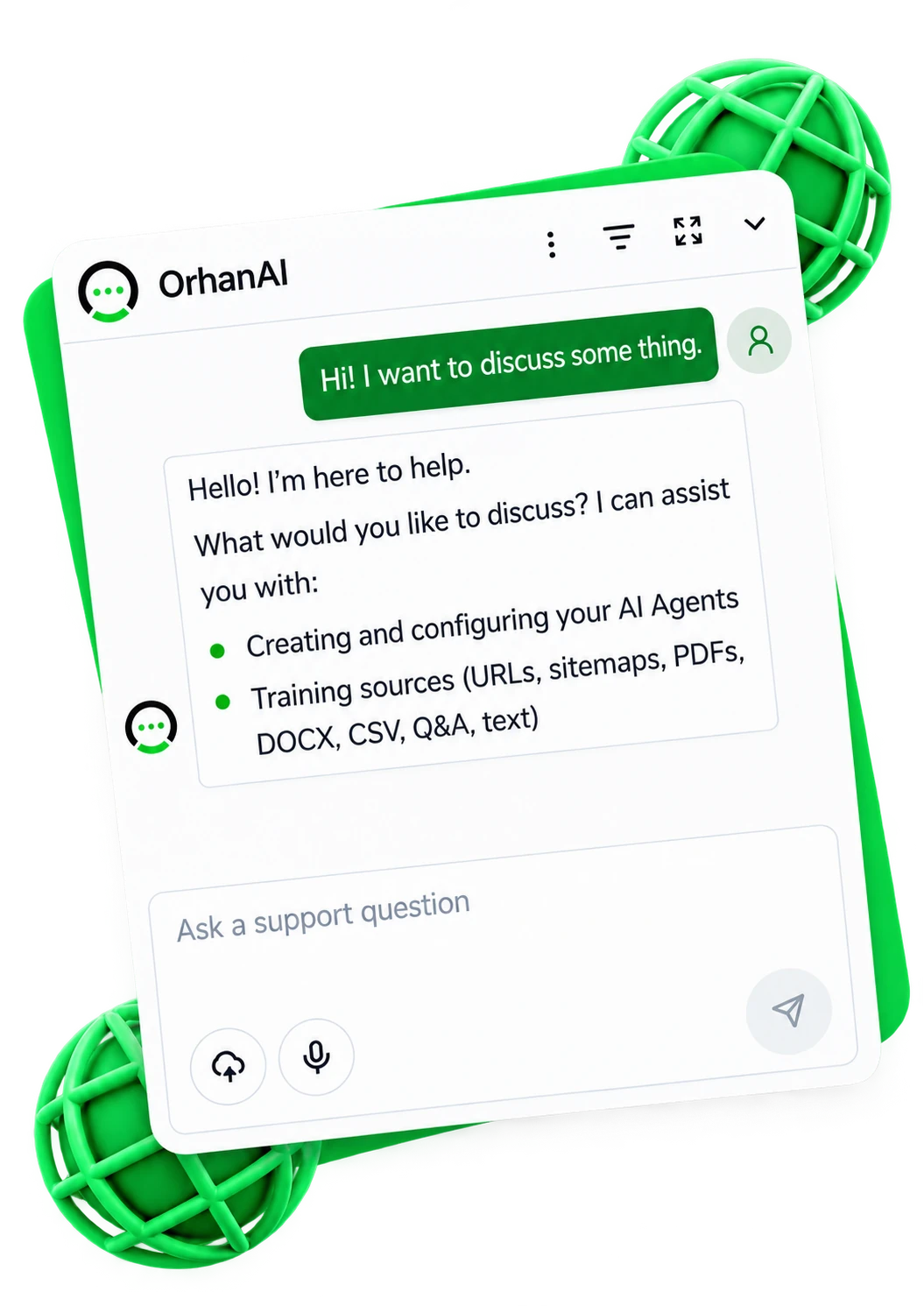
Website
Replied in seconds
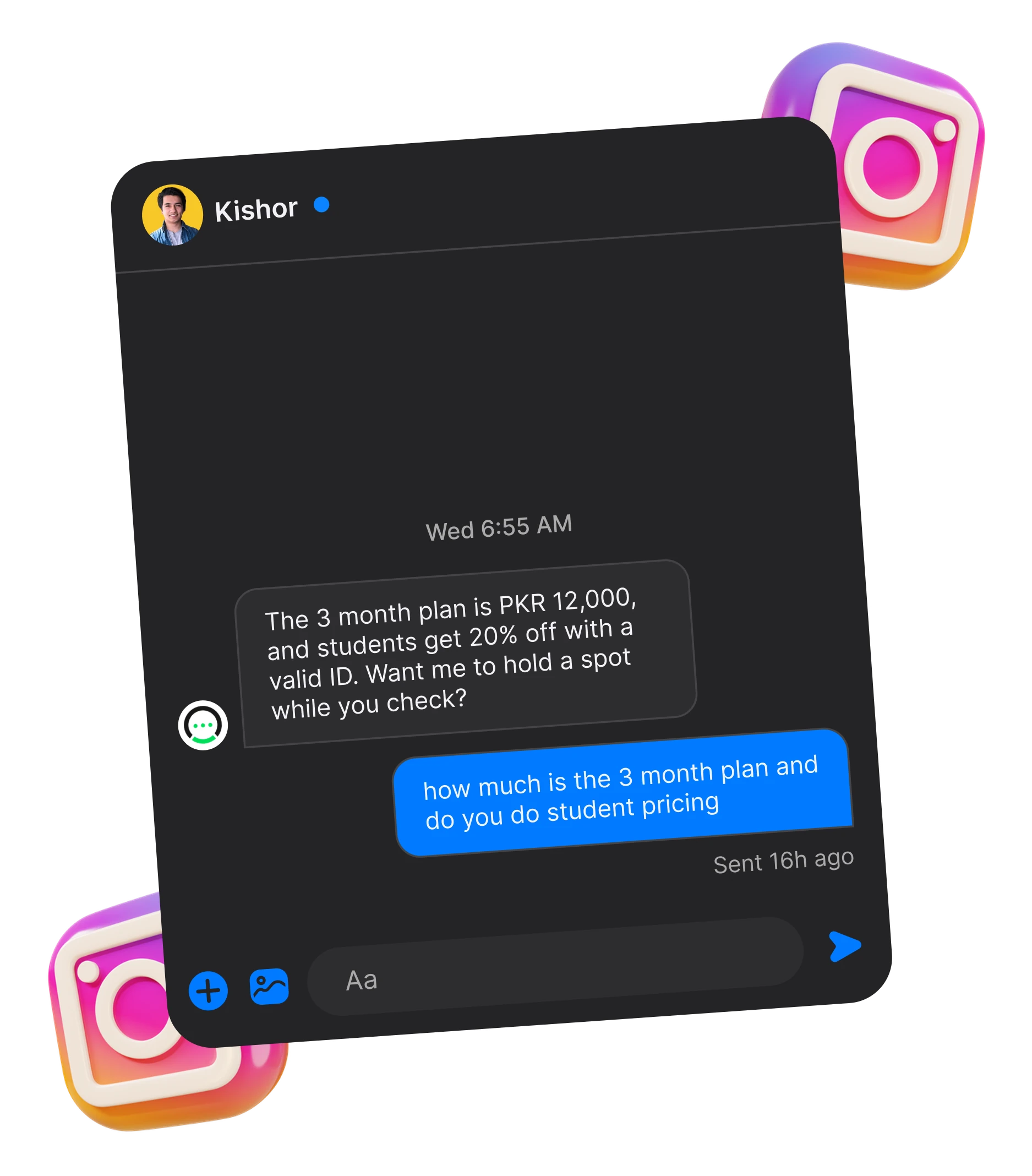
Instagram DMs
Replied in seconds
14 minutes and counting
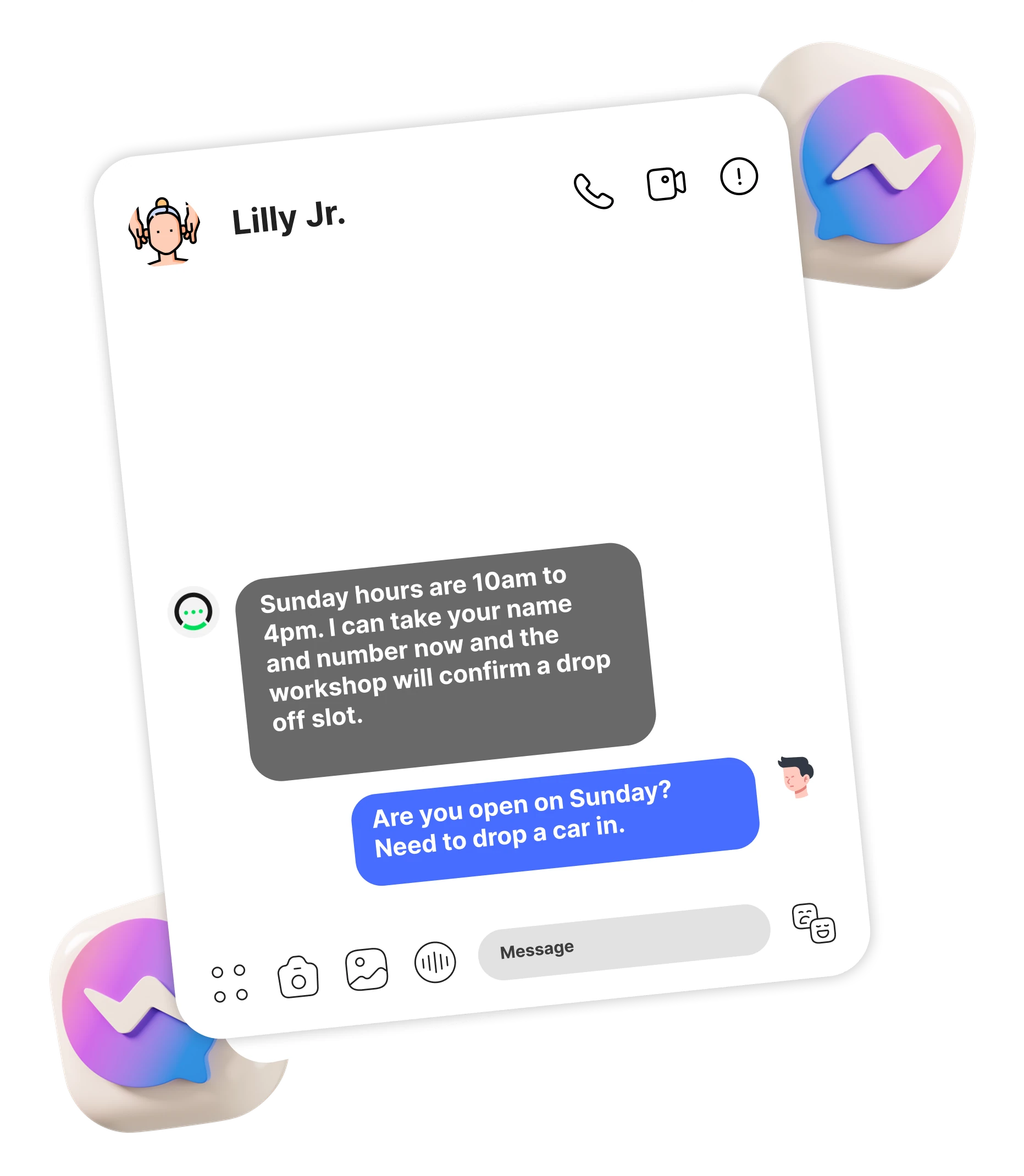
Messenger
14 minutes and counting
AI builds the first draft from your website. The more you teach it — social accounts, documents, details — the better it performs, all in your control.
Add your website to get started. Documents and extra details are optional.
It reads your site to understand your business and tone.
Try real questions and check answers, leads, and handoff.
Connect every channel and track it all from one dashboard.
Train it once on your business. The same knowledge, the same voice, and the same lead capture — on your site and every inbox you connect.
One embed script puts the agent on every page, answering with what your site already says.
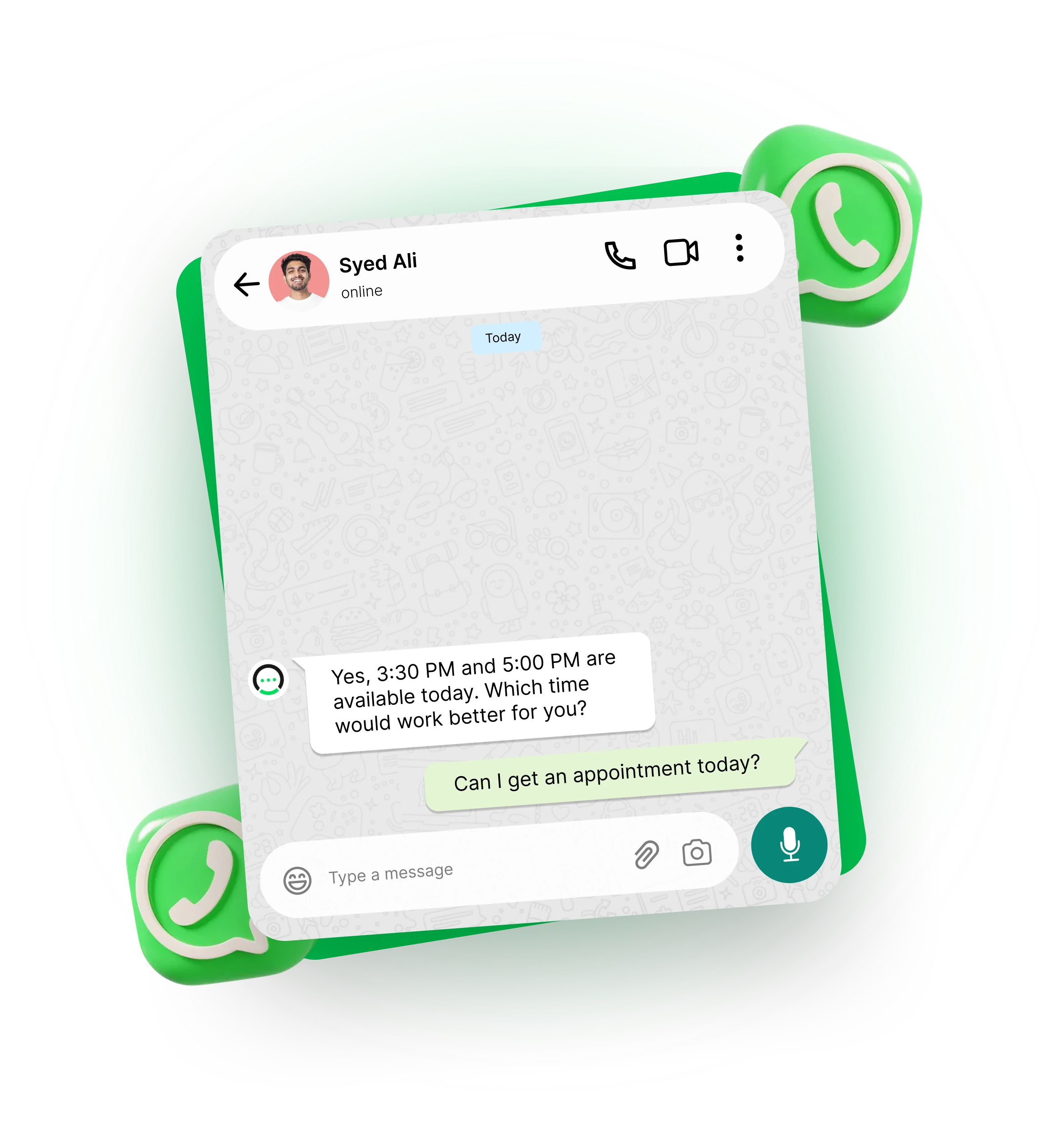
Connects to your business number and replies instantly, day or night.
Answers DMs and comments automatically, so no message waits for a reply.
Handles every Facebook conversation the same way it does on your site.
Replies to inquiries automatically and hands off to your team when needed.
OrhanAI doesn't just reply — it remembers. Every chat builds a profile your team can act on,
so nothing starts from zero.
Direct Bridge: Connects "messages come in from everywhere" directly with "here's what happens to them."
Website, WhatsApp, Instagram, Messenger, Email
— every conversation lands in one shared inbox,
so your team never checks six apps to find one
customer.
Do you deliver to Austin?
Asking about enterprise pricing tier
Can I reschedule my appointment?
Sent contract proposal feedback
A customer's first message becomes a profile — name, contact, order history, and notes — automatically. Next time they reach out, your team already knows who they are.
Ayesha Khan
VIP Customerayesha.k@example.com · +1 (512) 839-2041
Last order: #1042 ($240)
DeliveredSmart AI note
“Prefers evening calls. Interested in seasonal decor package.”
Leads, bookings, and orders move from new to closed, so you always know what's pending and what's already won.
Liam P.
$1,200
Web FormElena R.
$450
Ayesha K.
$890
Meeting SetApex Studio
$2,100
Nova Group
$3,400
✓ ClosedC. Ward
$750
Pipeline value
$8,790+24%
Win Rate:68%Avg. Close: 2.4 days
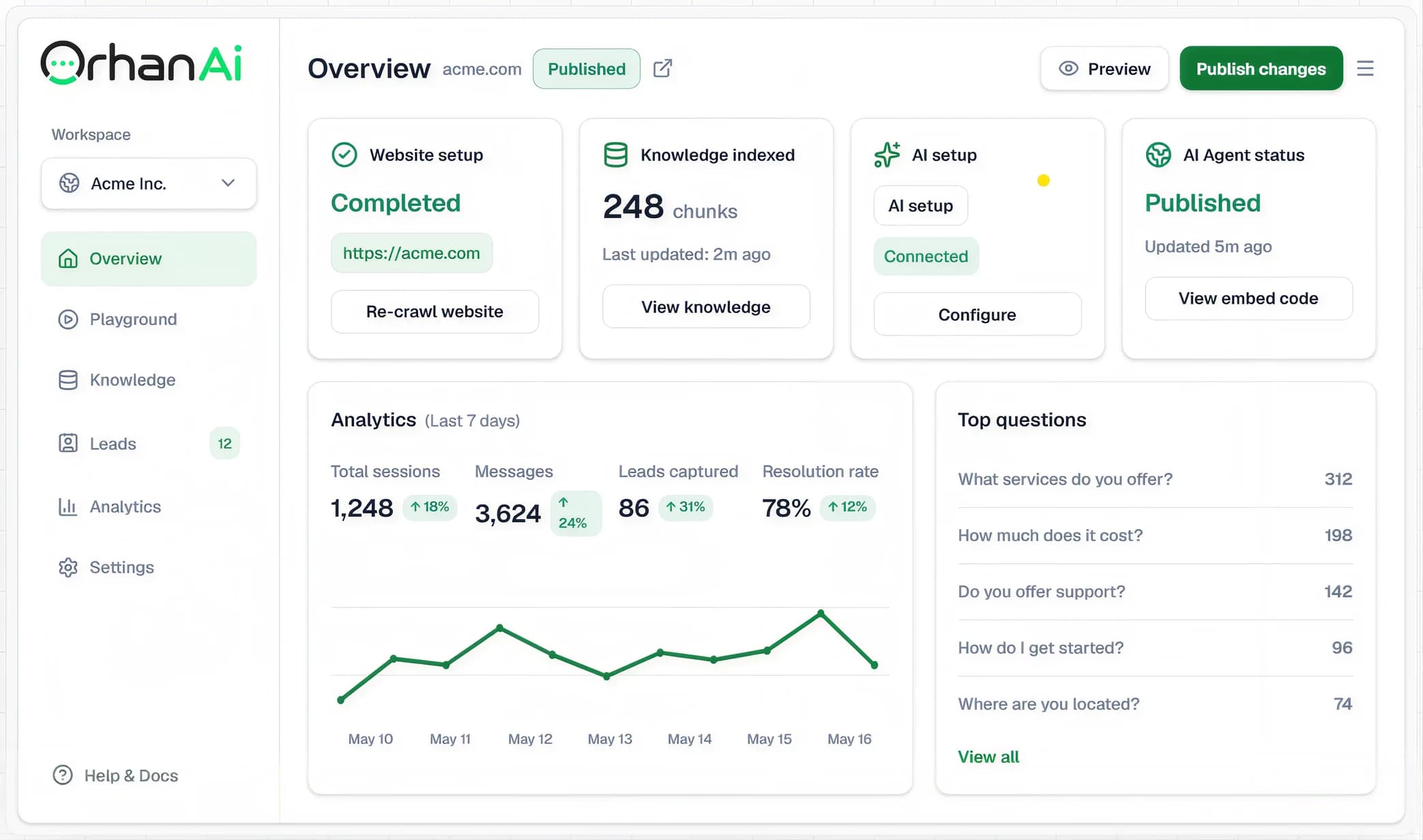
Watch AI build the draft, test Q&A and lead capture in Playground, improve answers, then publish the AI Agent to your site.
Website crawl
139 pages fetched
Business analysis
AI setup
Manual Q&A
confirmed entries
Product guide.pdf
8 pages parsed
Do you serve Austin and how can I book?
Yes. Share your name, phone, and preferred time. The team can follow up with availability and directions.
Improve with AI proposal ready
1,284
Messages
Last 30 days
+24%
OrhanAI doesn't just chat with customers — it drives numbers your business can
see and measure.
Convert warm conversations into direct checkout conversions and logged revenue automatically.
Sales This Month
22%
$4,280
Recent orders: 3 new
vs. $3,508 last mo.
Revenue Channels
68% via WhatsApp
#1043 · Organic Silk Scarf
WhatsApp checkout · 4m ago
$120
Paid
#1044 · Ceramic Planter Set
Website live chat · 18m ago
$85
Paid
Qualification tags the buyers worth following up and books calendar slots without anyone waiting on a reply.
| Name | Source | Status |
|---|---|---|
| Marcus VanceWhatsApp | Confirmed | |
| Elena RostovaWebsite | Website | Consult Set |
| David K.Instagram | Qualified |
Avg. Booking Speed1.8 minutes
Messages, conversations and resolution rate in one place, with the response time behind them.
Analytics (Last 7 days)
+28.4% WoW
Peak: 58 chats · 98% res.
First Response Time< 3.2 seconds
From e-commerce to education, healthcare to travel — OrhanAI adapts to how your industry actually sells and supports customers.
Start free with AI powered support, and upgrade whenever your team needs more AI replies.
Everything teams ask before putting AI on their website. If something's missing, our team is one click away.
Only for the final embed. The setup flow starts from a website URL, runs crawl and AI analysis in the background, asks setup questions, and sends you to Playground before publishing. The embed is one script tag.
It creates a draft AI Agent, adds the website as a training source, crawls working same site pages within safety caps, analyzes business intent with AI, generates setup questions, and applies confirmed answers to settings, theme, and flow.
It can answer Q&A from trained pages, collect leads, share contact details, explain hours, guide visitors to directions or service areas when that information exists in your sources, support product and service questions, and mark conversations for human follow up.
It falls back to a message you control, for example, "Want me to connect you with our team?" It captures the lead with a built in form. Nothing made up, nothing pretended.
Yes. Set colors, icon, welcome copy, position, launcher label, branding, and allowed domains.
Yes. Playground includes Improve with AI. It returns a proposed patch for settings, theme, flow, and optional manual Q&A. You review and apply the proposal before new Q&A training is queued.
Yes. The widget is one line of JavaScript with isolated styles (Shadow DOM), so it runs on any site without conflicts.
Training files live in S3 compatible storage scoped to your workspace. AI Agents, training sources, conversations, contacts, leads, usage, and retrieval are isolated by workspace and AI Agent.
Yes. Export conversations, leads, and analytics as CSV from any AI Agent's dashboard.





Let AI handle the repetitive questions. Free your team to focus on real conversations.
Get Started FreeSetup in minutes · No credit card required
Get started with AI powered support, no credit card required.
$0/ Forever
Start FreeFor a business ready to scale AI handled support and capture leads across every channel.
52% offStandard price $19 / Month
$9/ Month
$9 a month for your first 6 months, then $19 a month.
Start Pro — $9/moFor agencies or high volume businesses managing multiple client accounts.
51% offStandard price $39 / Month
$19/ Month
$19 a month for your first 6 months, then $39 a month.
Start Business — $19/mo